install.packages("renv")renv 基本使用
1 renv 基本介紹
renv 是 R 語言專用的套件與專案環境管理工具(project-based package manager)。
在資料分析與生物資訊研究中,不同專案常會使用不同版本的套件,例如:
- 舊論文使用舊版 ggplot2
- survival 套件更新後 API 改變
- ComplexHeatmap 更新導致圖形參數錯誤
若未鎖定版本,可能會出現:
同一份程式碼,在不同時間或不同電腦執行結果不同。
renv 的核心目標即是解決這個問題 —— 讓每個專案擁有獨立且可重現的 R 套件環境。
官方網站: https://rstudio.github.io/renv/
2 renv 核心概念
Note
renv 管理的是「R 套件版本」,而不是 R 本體版本。
當執行 renv::init() 後,專案會新增以下結構:
project/
 ├── renv/
 ├── renv.lock
 └── .Rprofile
各檔案功能如下:
| 檔案 | 功能 |
|---|---|
| renv/ | 專案專屬套件庫 |
| renv.lock | 套件版本鎖定檔 |
| .Rprofile | 啟動時自動載入 renv |
Tip點我看
.Rprofile 範例
source("renv/activate.R")3 初始化 renv
首先安裝 renv(僅需一次):
在專案資料夾中執行:
renv::init()初始化後:
- 建立專案 library
- 修改
.Rprofile - 重新啟動 R session
- 之後套件安裝將限定於此專案
4 安裝套件(以 ggplot2 為例)
初始化完成後,套件安裝方式與平常完全相同:
install.packages("ggplot2")The following package(s) will be installed:
- ggplot2 [4.0.2]
These packages will be installed into "C:/Users/benson_lee/git/tools/website/cicd/renv/renv/library/windows/R-4.4/x86_64-w64-mingw32".
Do you want to proceed? [Y/n]: y
# Installing packages --------------------------------------------------------
- Installing ggplot2 4.0.2 ... OK [linked from cache]
Successfully installed 1 package in 13 milliseconds.此時套件會安裝至:
{project-name}/renv/library/而非全域路徑。
5 鎖定版本(snapshot)
當套件安裝完成後,建議立即鎖定版本:
renv::snapshot()The following package(s) will be updated in the lockfile:
# https://packagemanager.posit.co/cran/latest --------------------------------
- ggplot2 [repo: CRAN -> https://packagemanager.posit.co/cran/latest; ver: 4.0.1 -> 4.0.2]
Do you want to proceed? [Y/n]: y
- Lockfile written to "C:/Users/benson_lee/git/tools/website/cicd/renv/renv.lock".此動作會更新 renv.lock,記錄:
- 套件名稱
- 套件版本
- 來源
- R 版本
6 還原環境(restore)
當需要在新電腦或未來重現環境時,只需執行:
renv::restore()
Tip點我看
renv::restore() 輸出
The following package(s) will be updated:

# CRAN -----------------------------------------------------------------------
- base64enc      [* -> 0.1-3]
- bslib          [* -> 0.9.0]
- digest         [* -> 0.6.37]
- htmltools      [* -> 0.5.8.1]
- rappdirs       [* -> 0.3.3]
- renv           [* -> 1.1.7]
- rlang          [* -> 1.1.6]
- vctrs          [* -> 0.6.5]
- viridisLite    [* -> 0.4.2]
- xfun           [* -> 0.55]

# https://packagemanager.posit.co/cran/latest --------------------------------
- cachem         [* -> 1.1.0]
- cli            [* -> 3.6.5]
- cpp11          [* -> 0.5.3]
- evaluate       [* -> 1.0.5]
- farver         [* -> 2.1.2]
- fastmap        [* -> 1.2.0]
- fontawesome    [* -> 0.5.3]
- fs             [* -> 1.6.6]
- ggplot2        [* -> 4.0.2]
- glue           [* -> 1.8.0]
- gtable         [* -> 0.3.6]
- highr          [* -> 0.11]
- isoband        [* -> 0.3.0]
- jquerylib      [* -> 0.1.4]
- jsonlite       [* -> 2.0.0]
- knitr          [* -> 1.51]
- labeling       [* -> 0.4.3]
- lifecycle      [* -> 1.0.5]
- memoise        [* -> 2.0.1]
- mime           [* -> 0.13]
- R6             [* -> 2.6.1]
- RColorBrewer   [* -> 1.1-3]
- rmarkdown      [* -> 2.30]
- S7             [* -> 0.2.1]
- sass           [* -> 0.4.10]
- scales         [* -> 1.4.0]
- tinytex        [* -> 0.58]
- withr          [* -> 3.0.2]
- yaml           [* -> 2.3.12]

Do you want to proceed? [Y/n]: y

# Downloading packages -------------------------------------------------------
- Downloading renv 1.1.7 from CRAN ...          OK [2.2 Mb in 0.54s]
Successfully downloaded 1 package in 0.81 seconds.

# Installing packages --------------------------------------------------------
- Installing R6 2.6.1 ...                       OK [linked from cache]
- Installing RColorBrewer 1.1-3 ...             OK [linked from cache]
- Installing S7 0.2.1 ...                       OK [linked from cache]
- Installing base64enc 0.1-3 ...                OK [linked from cache]
- Installing rlang 1.1.6 ...                    OK [linked from cache]
- Installing fastmap 1.2.0 ...                  OK [linked from cache]
- Installing cachem 1.1.0 ...                   OK [linked from cache]
- Installing digest 0.6.37 ...                  OK [linked from cache]
- Installing htmltools 0.5.8.1 ...              OK [linked from cache]
- Installing jquerylib 0.1.4 ...                OK [linked from cache]
- Installing jsonlite 2.0.0 ...                 OK [linked from cache]
- Installing cli 3.6.5 ...                      OK [linked from cache]
- Installing lifecycle 1.0.5 ...                OK [linked from cache]
- Installing memoise 2.0.1 ...                  OK [linked from cache]
- Installing mime 0.13 ...                      OK [linked from cache]
- Installing fs 1.6.6 ...                       OK [linked from cache]
- Installing rappdirs 0.3.3 ...                 OK [linked from cache]
- Installing sass 0.4.10 ...                    OK [linked from cache]
- Installing bslib 0.9.0 ...                    OK [linked from cache]
- Installing cpp11 0.5.3 ...                    OK [linked from cache]
- Installing evaluate 1.0.5 ...                 OK [linked from cache]
- Installing farver 2.1.2 ...                   OK [linked from cache]
- Installing fontawesome 0.5.3 ...              OK [linked from cache]
- Installing glue 1.8.0 ...                     OK [linked from cache]
- Installing gtable 0.3.6 ...                   OK [linked from cache]
- Installing isoband 0.3.0 ...                  OK [linked from cache]
- Installing labeling 0.4.3 ...                 OK [linked from cache]
- Installing viridisLite 0.4.2 ...              OK [linked from cache]
- Installing scales 1.4.0 ...                   OK [linked from cache]
- Installing vctrs 0.6.5 ...                    OK [linked from cache]
- Installing withr 3.0.2 ...                    OK [linked from cache]
- Installing ggplot2 4.0.2 ...                  OK [linked from cache]
- Installing xfun 0.55 ...                      OK [linked from cache]
- Installing highr 0.11 ...                     OK [linked from cache]
- Installing yaml 2.3.12 ...                    OK [linked from cache]
- Installing knitr 1.51 ...                     OK [linked from cache]
- Installing renv 1.1.7 ...                     OK [installed binary and cached in 0.4s]
- Installing tinytex 0.58 ...                   OK [linked from cache]
- Installing rmarkdown 2.30 ...                 OK [linked from cache]
即可依照 renv.lock 重新安裝當時版本。
7 ggplot2 Demo
以下示範使用 ggplot2 繪製簡單散佈圖。
library(ggplot2)

set.seed(123)

# 建立模擬資料
data <- data.frame(
  x = rnorm(100),
  y = rnorm(100)
)

# 繪圖
p <- ggplot(data, aes(x, y)) +
  geom_point(color = "steelblue") +
  theme_minimal() +
  labs(
    title = "ggplot2 Demo",
    x = "X value",
    y = "Y value"
  )

p

ggsave("images/ggplot-demo.png")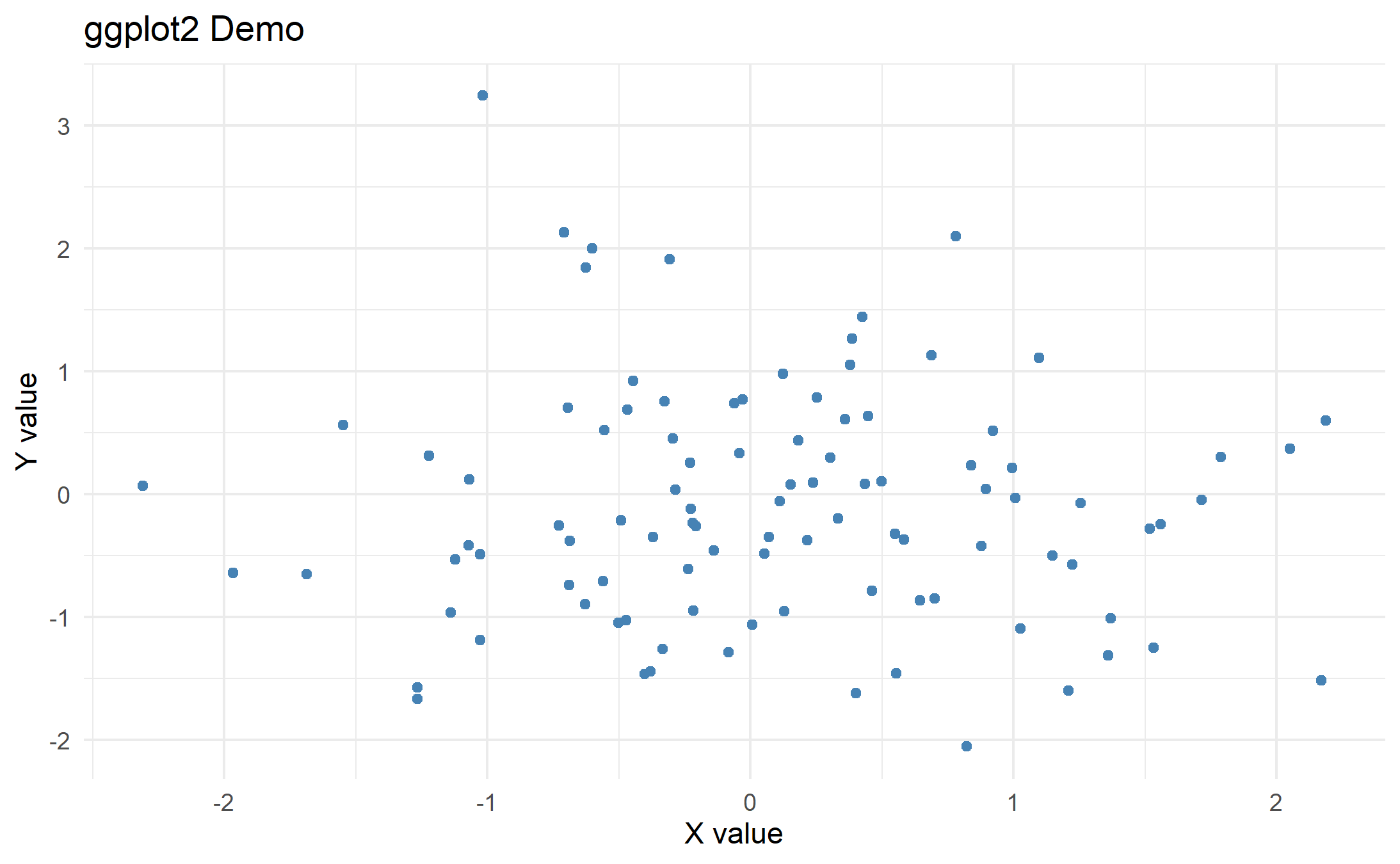
8 常用 renv 指令整理
| 指令 | 用途 |
|---|---|
| renv::init() | 初始化專案環境 |
| renv::snapshot() | 鎖定套件版本 |
| renv::restore() | 還原套件版本 |
| renv::status() | 檢查環境差異 |
| renv::clean() | 清除未使用套件 |
9 renv 在研究中的角色
在正式研究專案中(如 RNA-seq downstream、survival 分析、論文圖表製作),建議:
- 每個 project 使用 renv
- 套件安裝後立即 snapshot
- 將
renv.lock納入版本控制
如此可確保:
- 長期可重現
- 多專案互不干擾
- 不因套件更新而導致舊分析失效
10 renv 與其他工具分工
| 工具 | 管理範圍 |
|---|---|
| renv | R 套件版本 |
| Conda / pixi | R 本體 / Python / 系統工具 |
| WSL / mamba | 生物資訊 pipeline 工具 |
11 小結
使用 renv 的核心價值在於:
讓每個專案擁有獨立且可重現的 R 套件環境。
對於需長期維護或發表論文的分析專案而言,renv 幾乎是標準做法。